> ## Documentation Index
> Fetch the complete documentation index at: https://docs.anglpay.com/llms.txt
> Use this file to discover all available pages before exploring further.
# commercetools Configuration
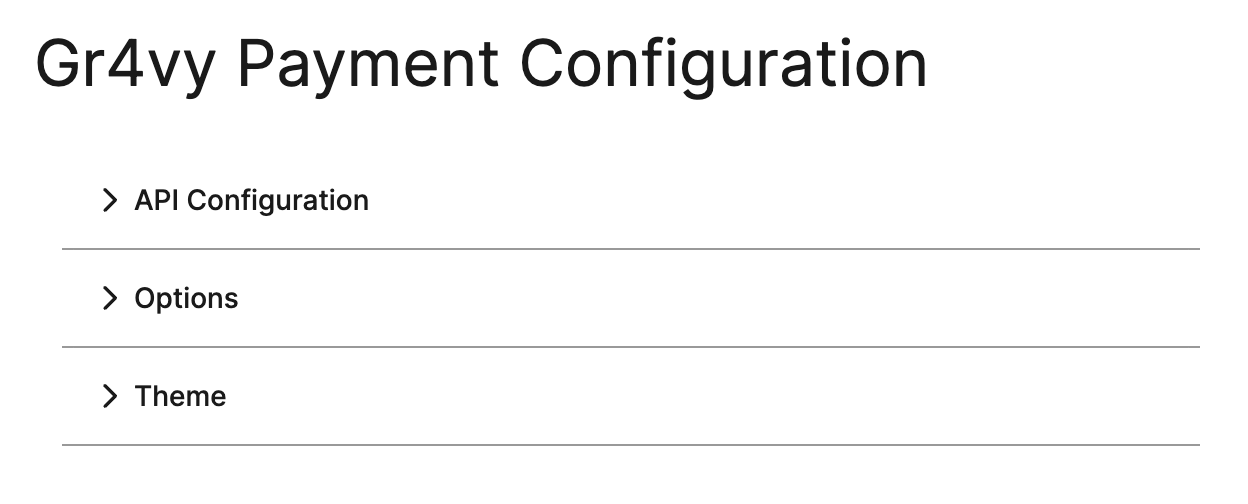
Within the commercetools Merchant Center you can access the integration configuration by
selecting **Gr4vy** in the side navigation. Within this menu there are three configuration sections.
 ## API configuration
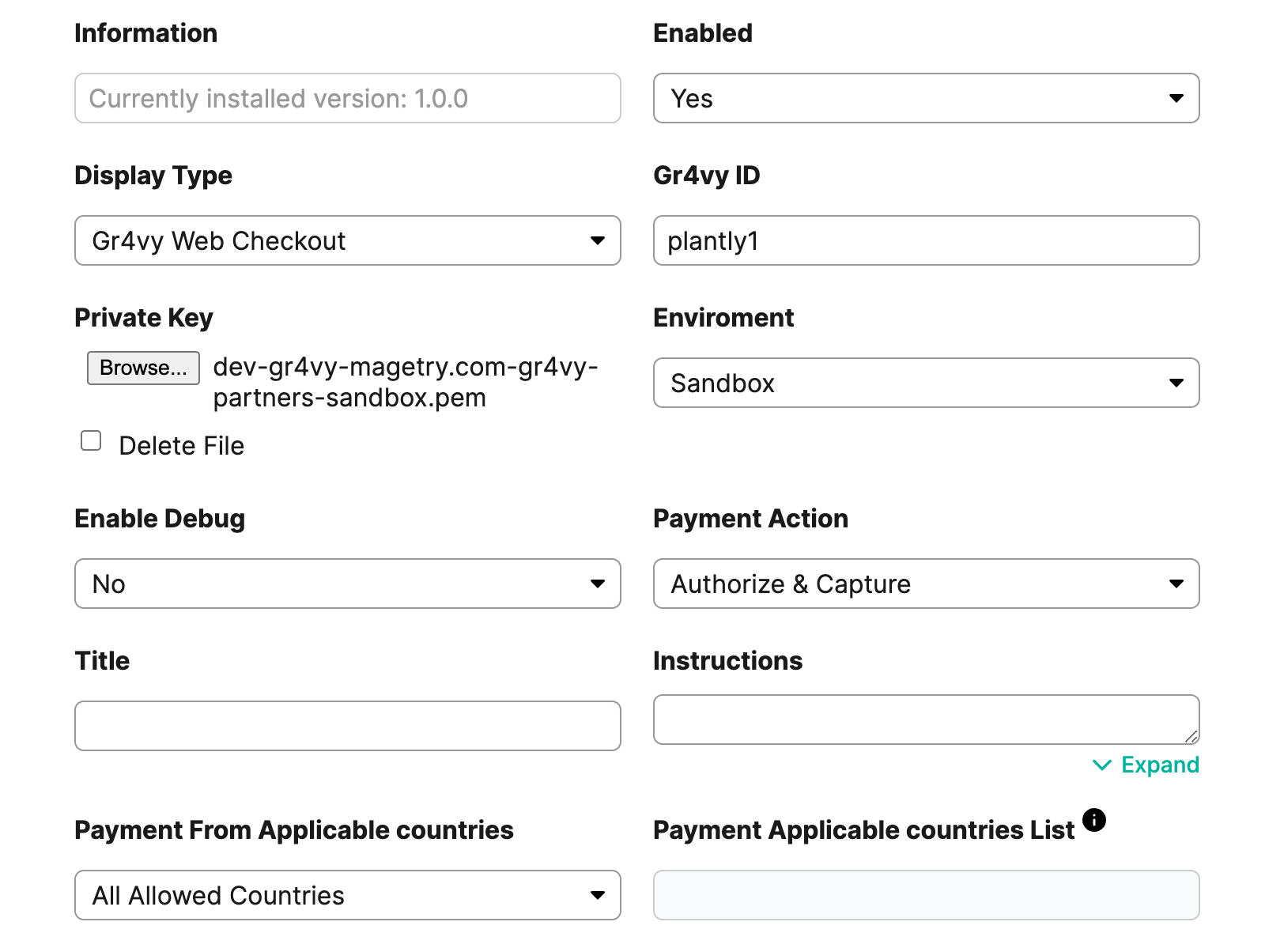
This section contains the basic setup of the plugin. Fill in
the **Gr4vy ID**, **Private Key**, and **Environment** fields based on the environment.
## API configuration
This section contains the basic setup of the plugin. Fill in
the **Gr4vy ID**, **Private Key**, and **Environment** fields based on the environment.
 ## Options
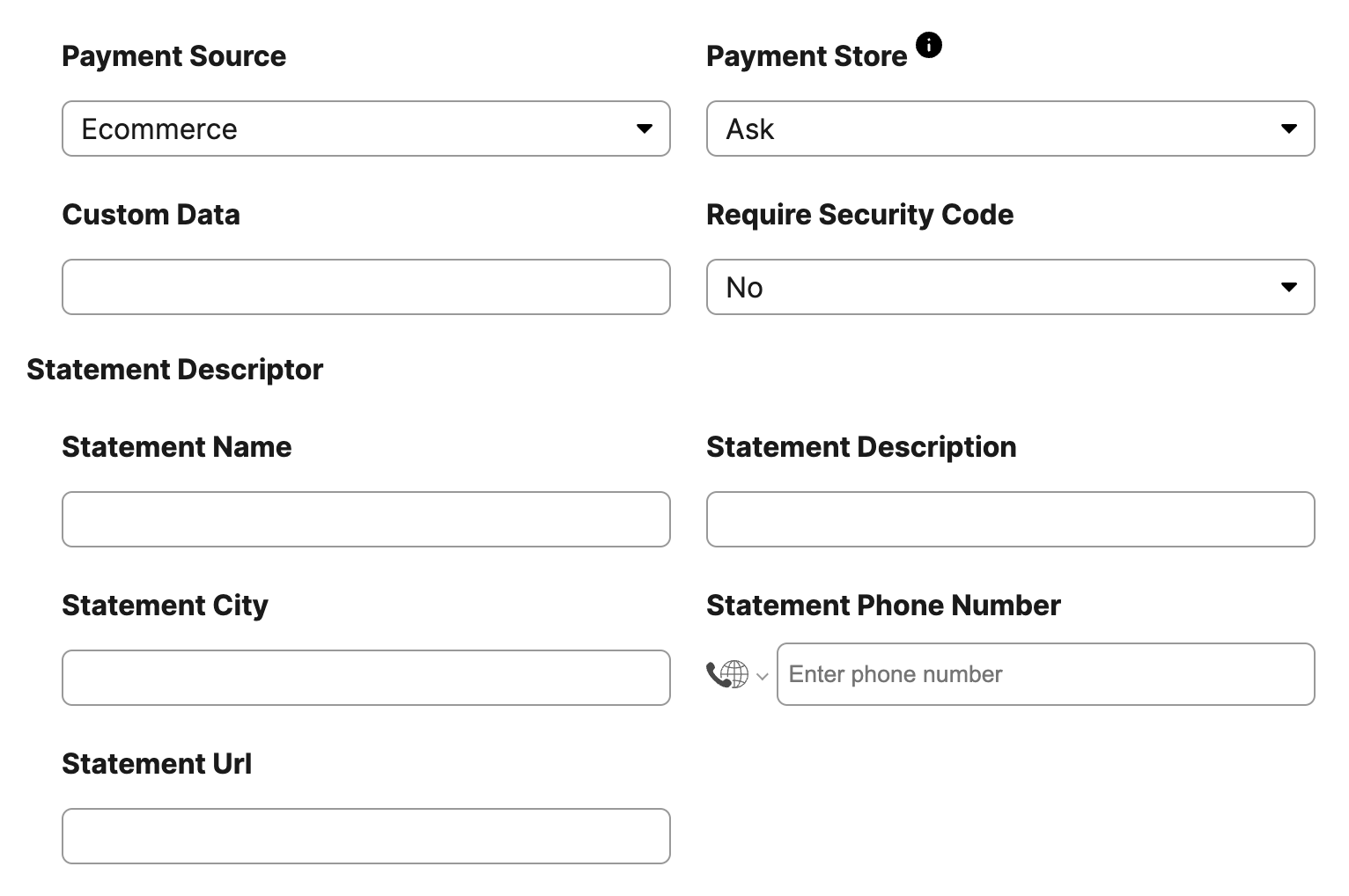
This section allows you to further configure the behavior of the integration.
## Options
This section allows you to further configure the behavior of the integration.
 ## Theme
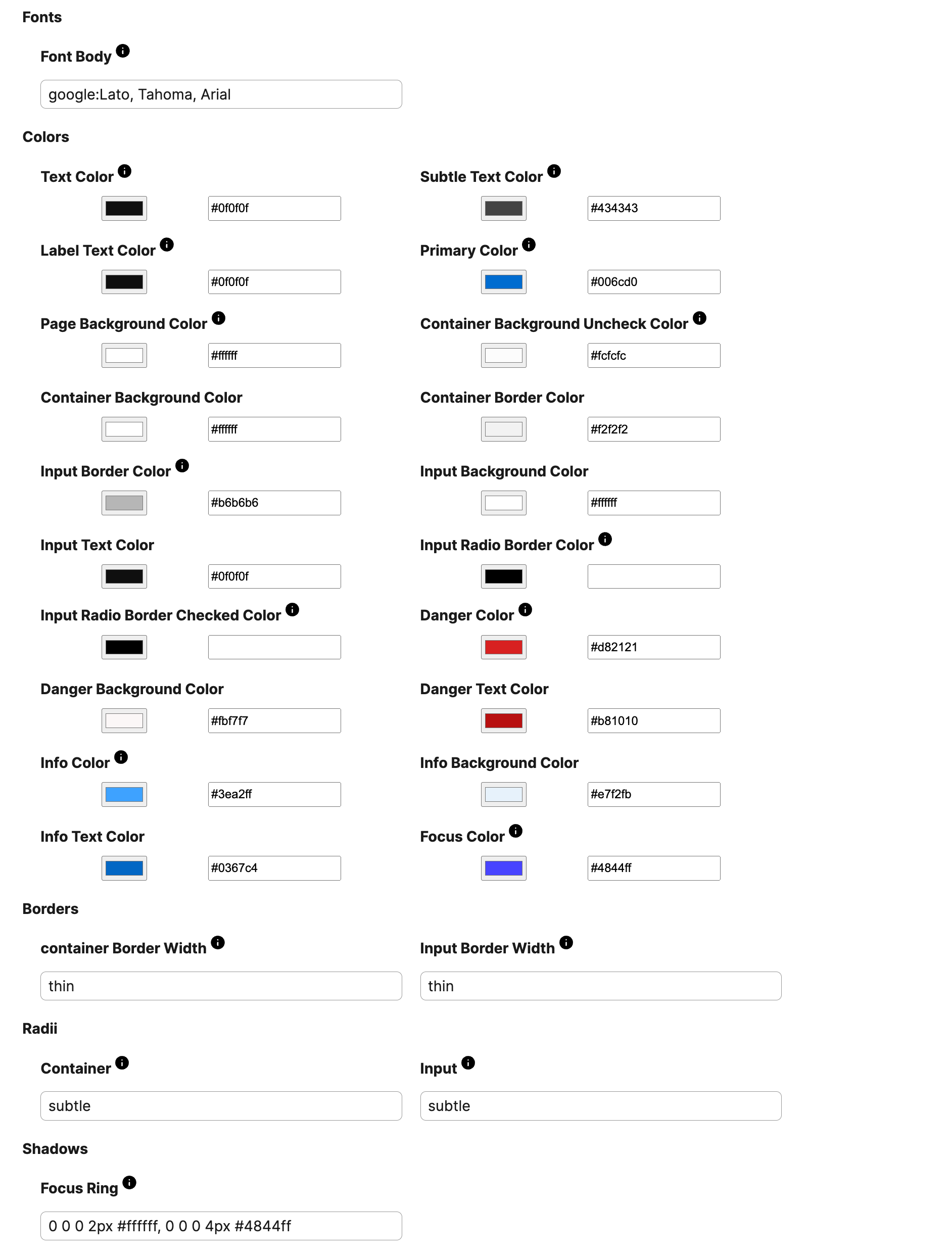
Control of the theming of the Embed component used in storefront. See
[Embed theming](/guides/payments/embed/theming) for more details.
## Theme
Control of the theming of the Embed component used in storefront. See
[Embed theming](/guides/payments/embed/theming) for more details.