> ## Documentation Index
> Fetch the complete documentation index at: https://docs.anglpay.com/llms.txt
> Use this file to discover all available pages before exploring further.
# commercetools Frontend
## Checkout page
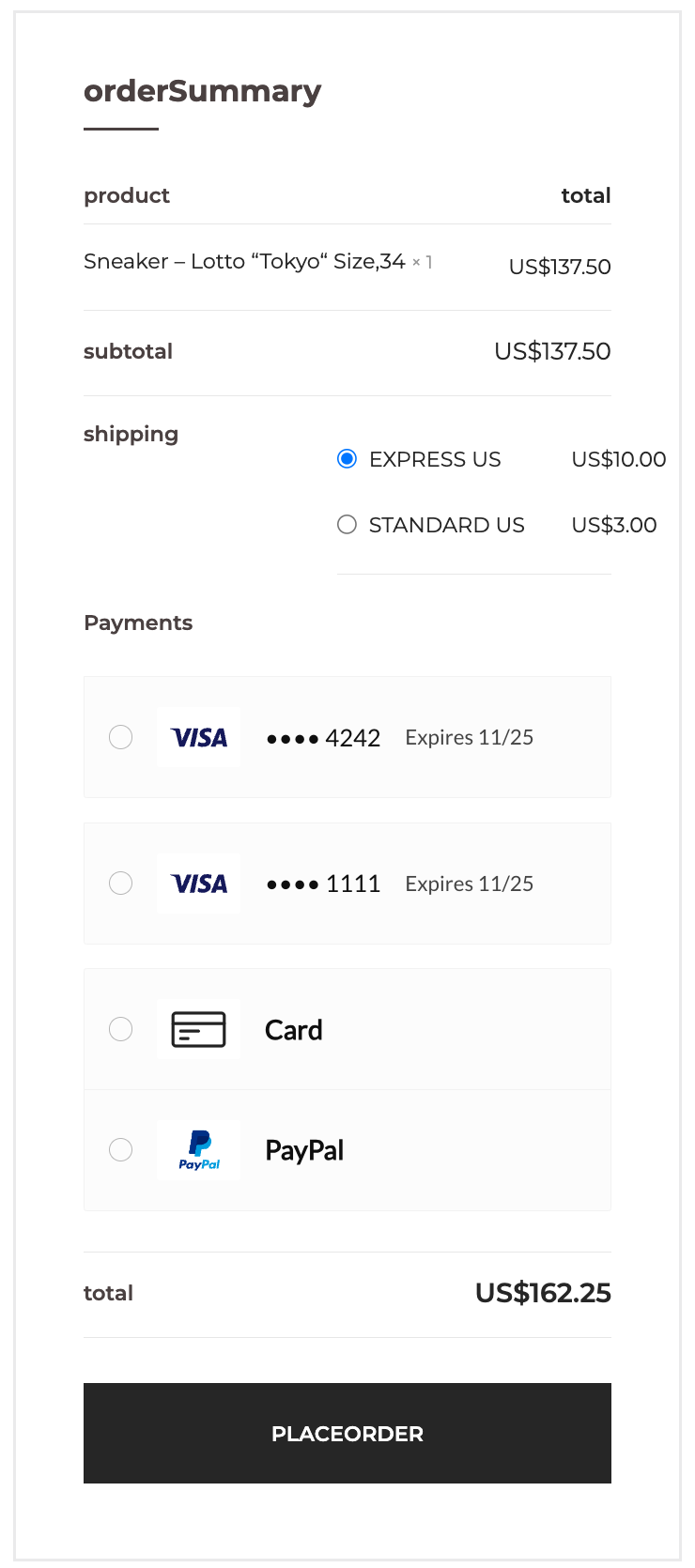
Once the extension has been installed and configured, and Embed has been integrated into
your storefront, the available payment methods should be listed on the checkout page.
 ## Customer account dashboard
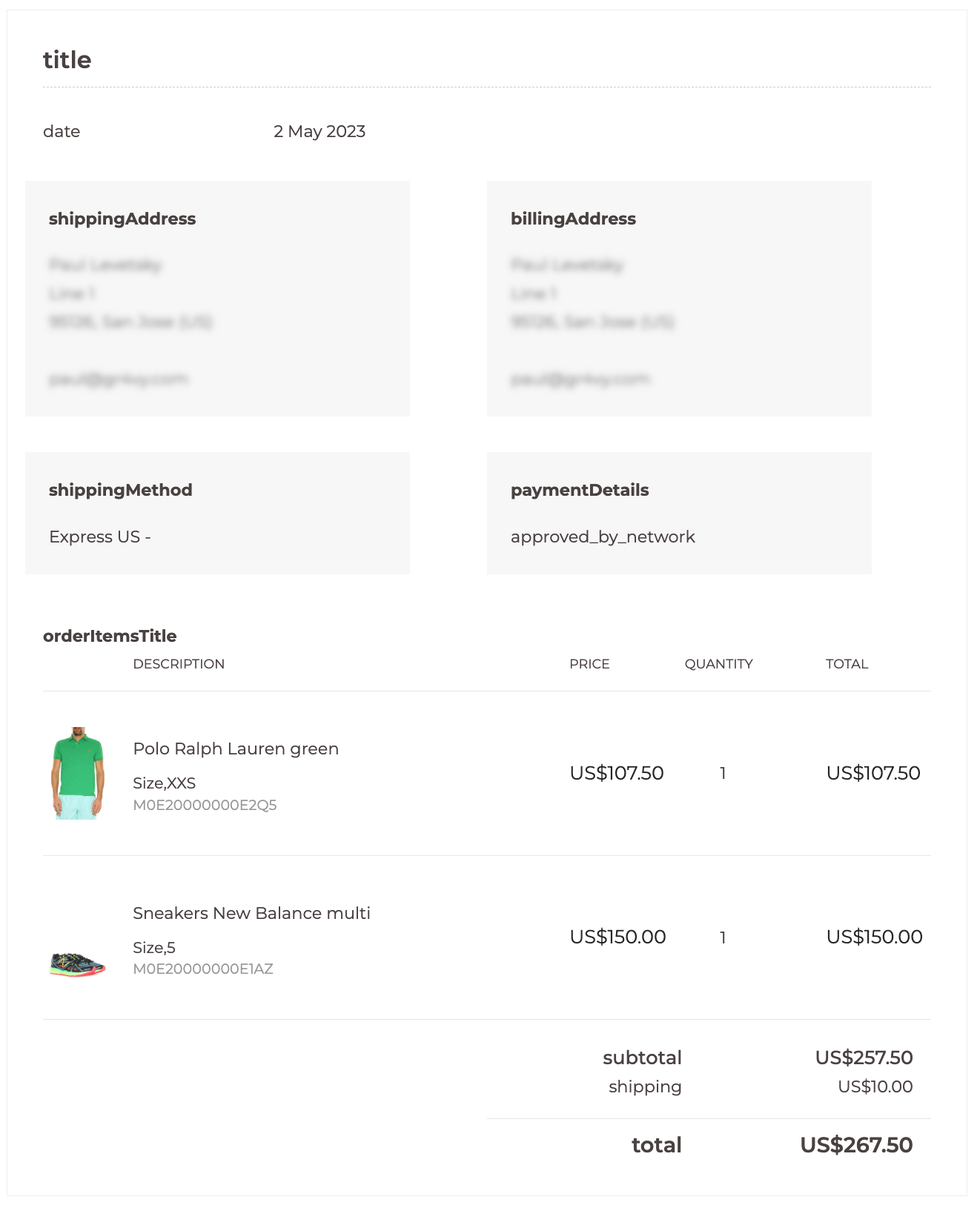
Logged-in customers see payment information within the order details
pages available in `My Orders` section of `My Account`.
## Customer account dashboard
Logged-in customers see payment information within the order details
pages available in `My Orders` section of `My Account`.