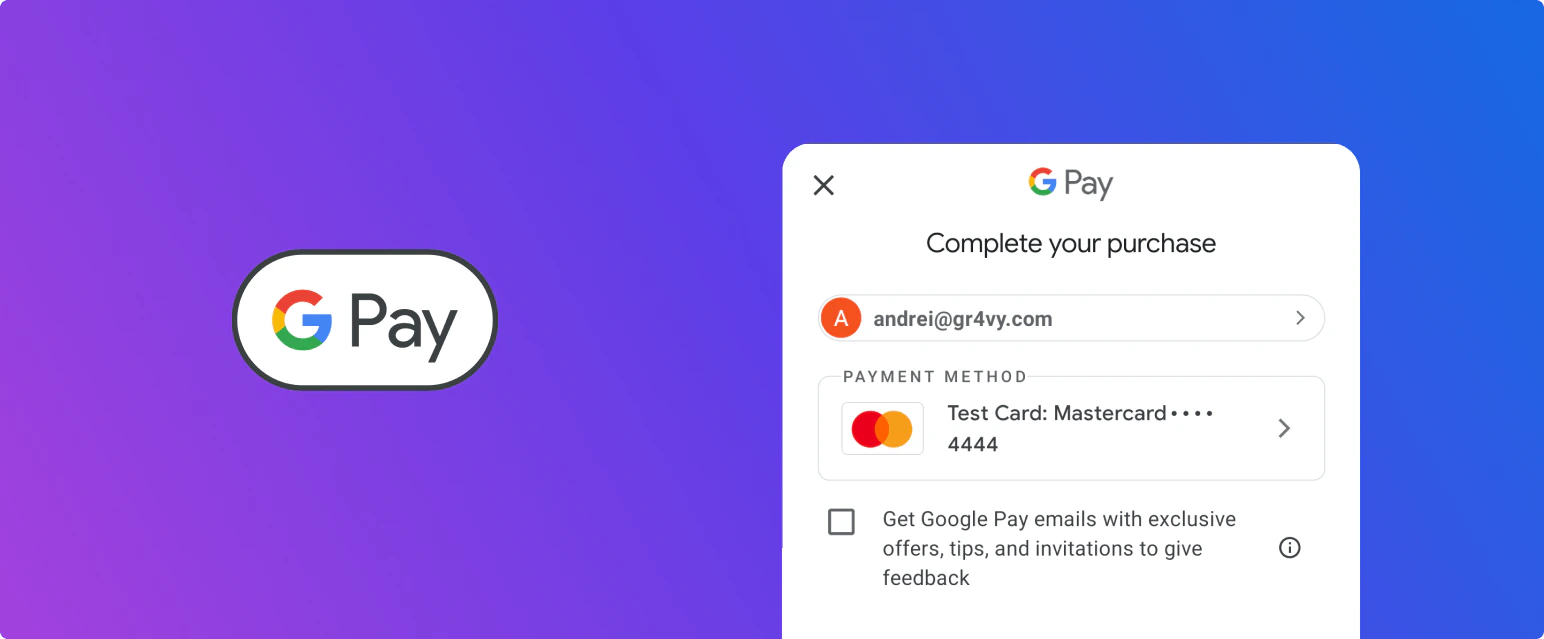
Google Pay is a wallet, not a payment processor. The system integrates with Google directly for
the wallet itself: it runs the Google Pay session and decrypts the payment token, which is why no
Google gateway setup is needed. The result is still a card payment, and one of your card
connections has to authorize it.To accept Google Pay, you need:
A card connection that supports the transaction’s currency and country.
A payment service that accepts decoded Google Pay tokens. Because the system decrypts the
token, it sends decoded device tokens to your payment service instead of encrypted gateway
tokens. Not all payment services support these, and some need the feature switched on, so
check with your payment service provider.
Google Pay payments are routed like any other card transaction, through the
card transactions Flow. To send them to a particular
connection, add a rule with the Card source condition set to Google Pay.
On the web, Google Pay can be easily integrated both with and without Embed. In both offerings, the need to sign up for a Google Developer account has been removed, reducing additional financial and maintenance costs.
On Android, Google Pay can be easily integrated both with and without the SDK. In both offerings, the need to sign up for a Google Developer account has been removed, reducing additional financial and maintenance costs.
Recurring payments are supported on Google Pay in a similar way to how
recurring payments are supported regular card payments.
To facilitate recurring Google Pay payments, your payment service provider needs to
support decoded Google Pay tokens as well as recurring payment flags. Please contact your
payment service provider to enable this feature.